← Home
DISHDECODERSwiftUI · iOS
DishDecoder
Photo in, recipe out
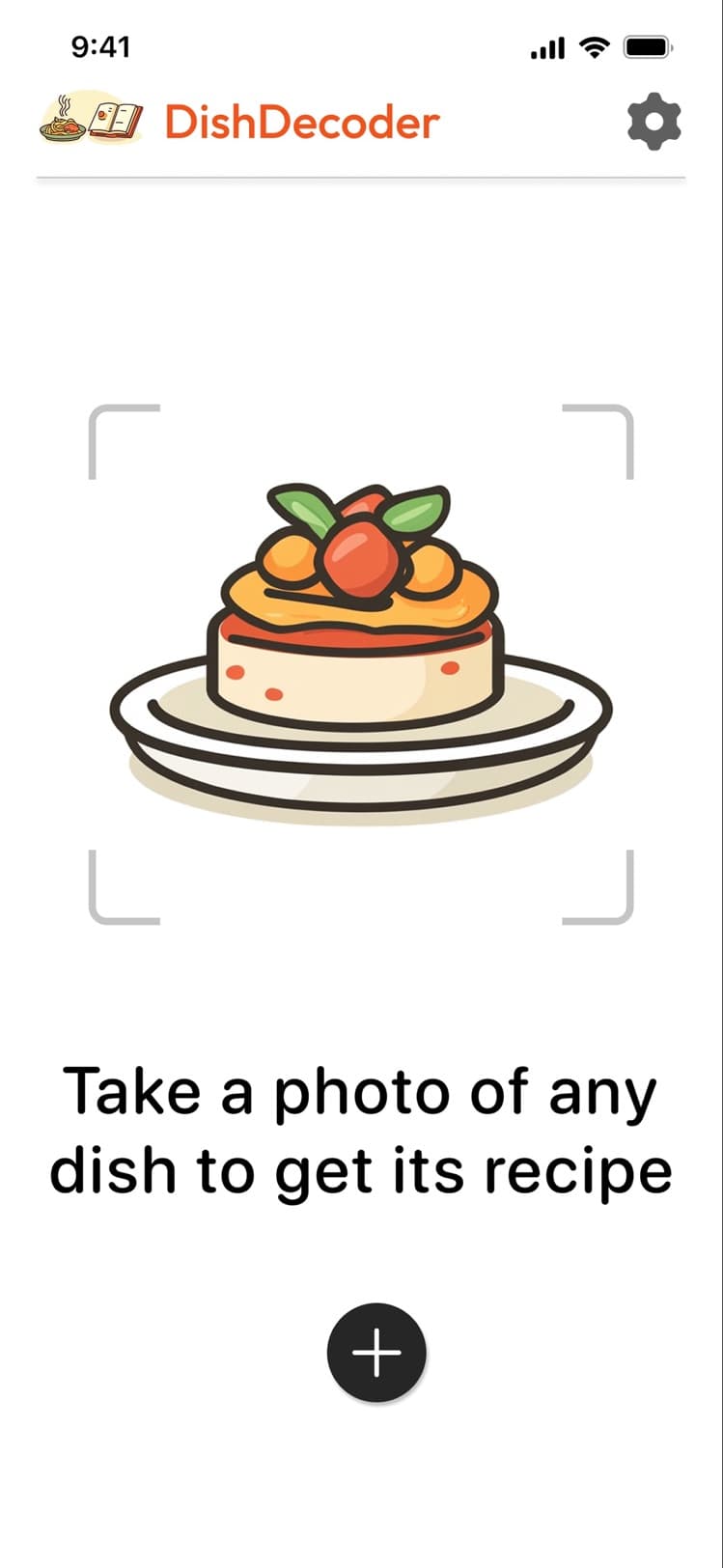
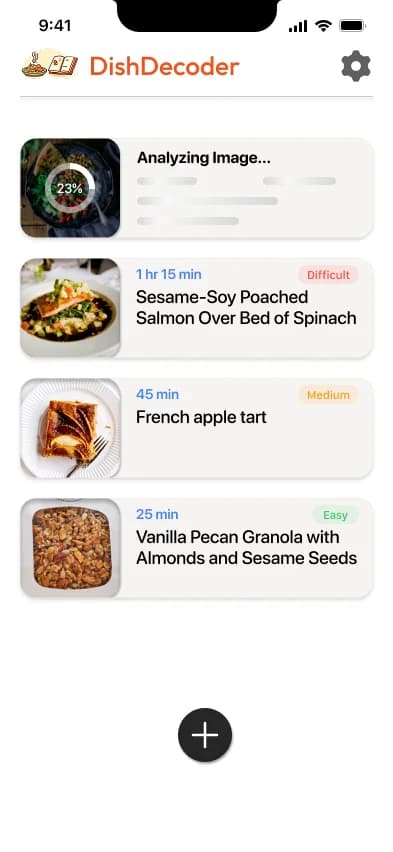
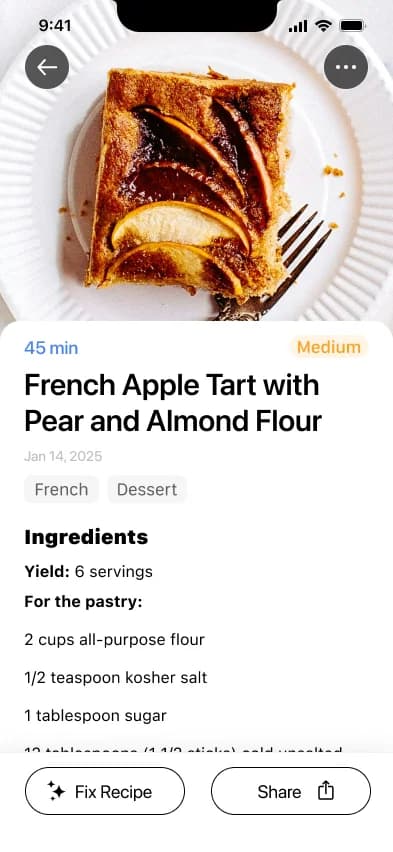
Take a photo of any dish, yours or a restaurant's, and get back a complete recipe in seconds: ingredients, steps, cooking time, difficulty, and nutrition, powered by AI.
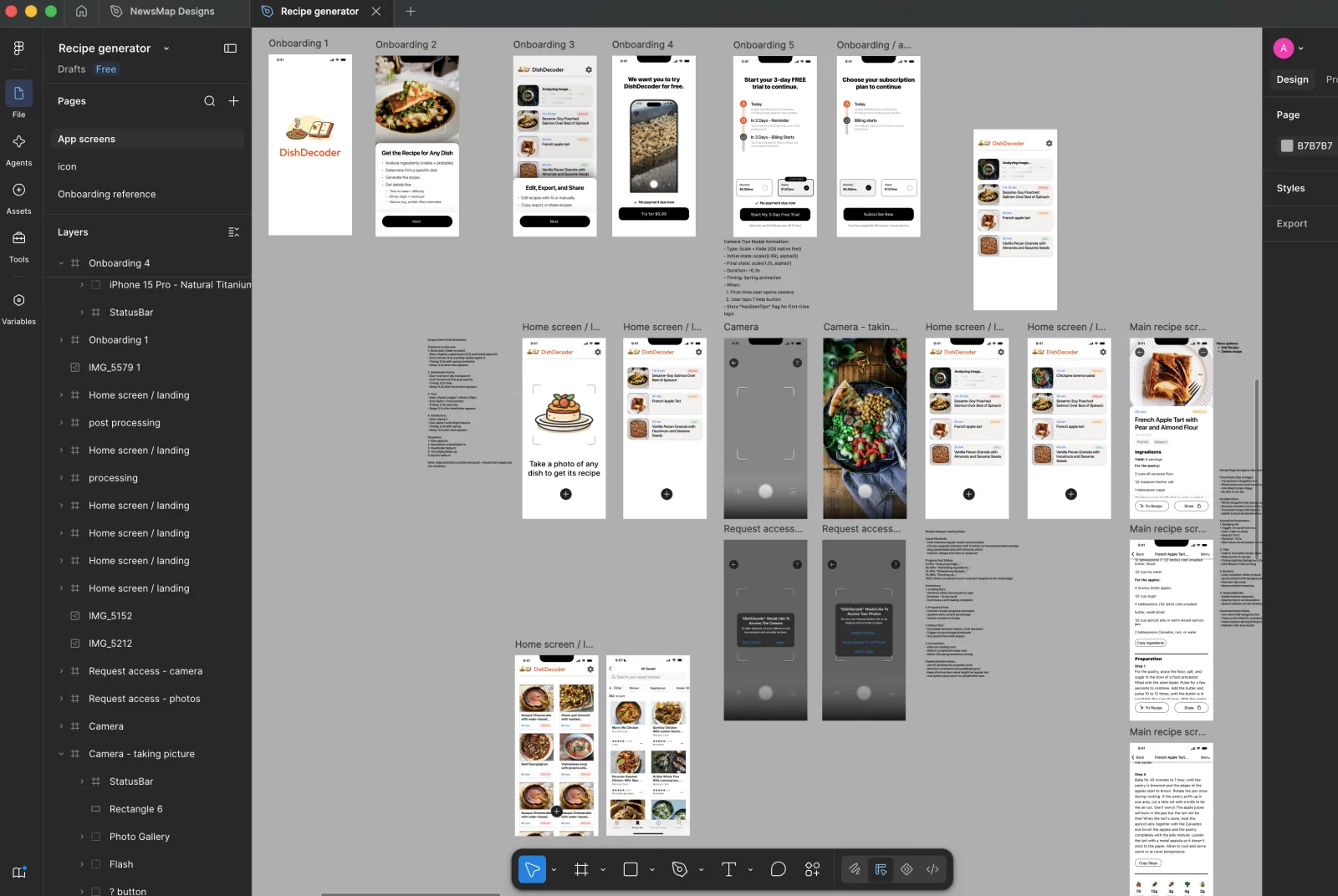
Most of the code came from prompting OpenAI's models, back when context windows were too small to one-shot a whole app like you can now: I built it one screen at a time, reviewing and editing the code by hand as I went, then switched to Cursor briefly near the end.